Text to Song Generator
Describe a song or paste your lyrics, then sign in to generate. Each successful generation costs 30 credits and delivers two saved versions.
What is a text to song generator?
A text to song generator turns plain writing into a finished song. Paste anything — a story idea, a poem, a caption, a message you want to hear sung — pick a style, and the AI writes the melody, performs the vocals and adds the backing track. Most people search for how to convert text to song; that is exactly what this page does: add your text and a music style, then sign in to generate. Each successful generation costs 30 credits.
It is not the same as text to speech. Text to speech reads your words aloud in a flat voice. A text to song AI sings them — with a melody, a chorus and instruments behind it.
| What you give it | What you get back | Best for | |
|---|---|---|---|
| Text to speech | Any text | Spoken audio, one voice | Audiobooks, accessibility, narration |
| Text to song generator | Any text or lyrics | Full song: vocals + melody + backing track | Gifts, content, demos, fun |
Turn Everyday Ideas into Songs
Songwriters & Poets
Wrote something that isn't a lyric yet? Paste it and hear how it wants to be sung. When you need words first, generate a full set with our AI lyrics generator.
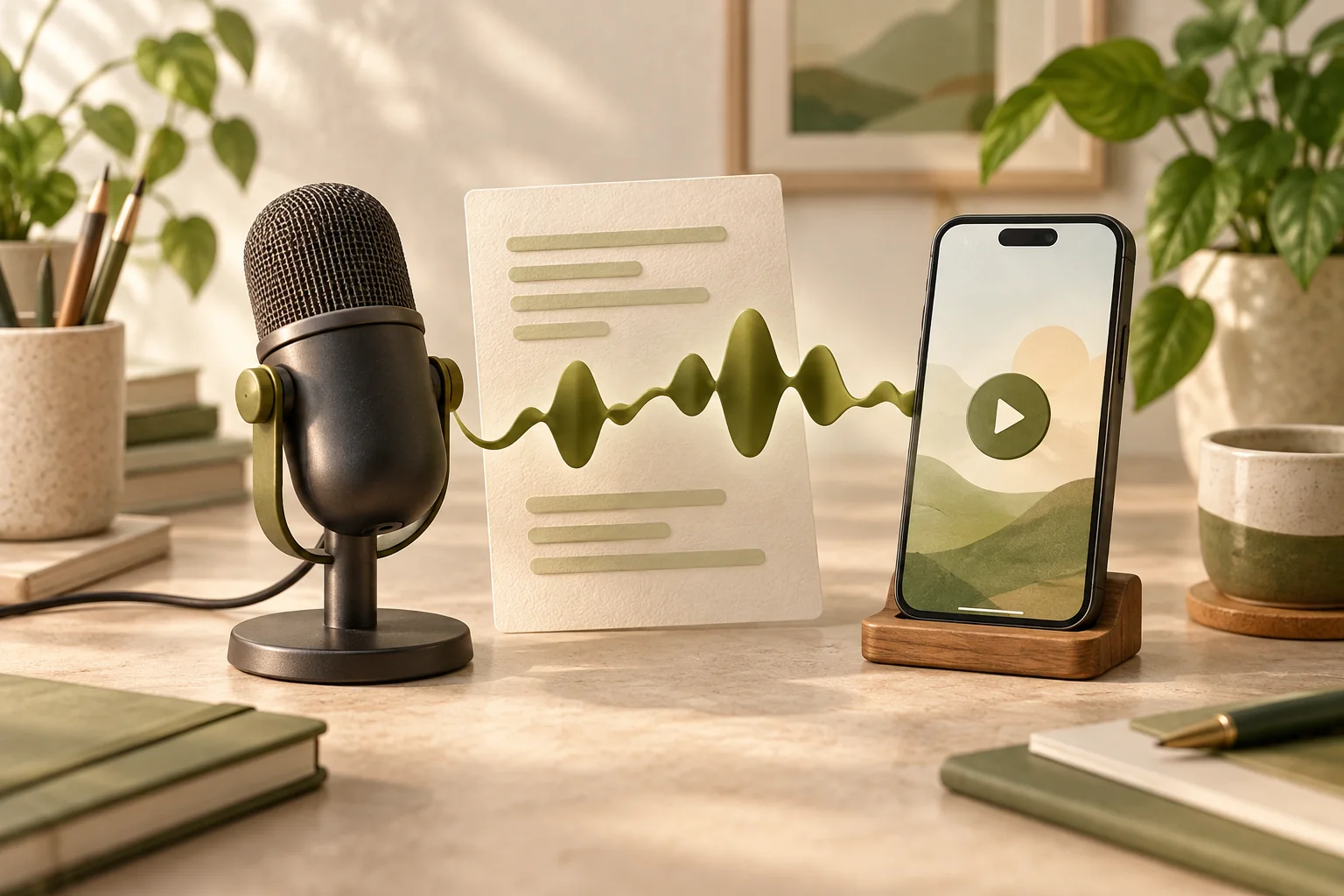
Content Creators & Marketers
Turn a caption, a script line or a product blurb into a jingle you can drop under a short video, a podcast intro or an ad read. Same words, different genre, five-minute turnaround.
Hobbyists, Gifts & Teachers
Birthday songs, messages for a friend, classroom projects — the kind of thing you'd never commission a musician for.
From text to song in 3 steps
Paste your text
Drop in anything you want sung — a paragraph from a story, a birthday message, a poem, ad copy, or lyrics you wrote yourself. There are no formatting rules. Line breaks are treated as a hint for phrasing, not a requirement.
Pick a style
Choose the genre and feel you want — Pop, Rock, Hip-Hop, Country, EDM, Cinematic and more. The same words land completely differently over a trap beat than over an acoustic guitar, so it pays to try two styles on the same text.
Generate and download
Sign in, hit Generate, and compare two versions in your private workspace. A successful generation costs 30 credits after both versions are saved. Keep the one you like and download the audio. Failed or partial delivery is not charged.
What makes this text to song generator different
Any Text Works
You don't need finished lyrics. A story, a poem, a caption, a speech or a product blurb is enough to get a full song back — the AI shapes phrasing and rhythm around your words.
A Full Song, Not a Loop
Vocals, melody, chords and drums come back as one finished track with verse and chorus structure — not an eight-bar loop you have to arrange yourself.
Two Versions per Successful Generation
Each successful generation delivers two saved versions in your private workspace and costs 30 credits. Compare both takes; generating a new pair is a new task that costs another 30 credits if successful.
Styles That Change the Meaning
Eight-plus genres, each with a real production flavour. Swap the style and the same text reads as a completely different song.
No App, No Install
Use it in your browser on desktop or phone. You can prepare your text before signing in; sign-in is required to generate, and each successful generation costs 30 credits. No app or plug-in installation is needed.
Same Engine as Lyrics to Song
This page and our lyrics to song generator share one engine: words in, full song out. If your text is already written as lyrics, either page works.
Text to Song FAQ
What is a text to song generator?
It is a tool that turns writing into a finished song. You paste a story, a poem, a caption or your own lyrics, pick a style, and the AI writes the melody, performs the vocals and adds the backing track — no instrument, no studio, no music theory.
How do I convert text to song with this tool?
Type or paste your text into the box at the top of this page and choose a music style. Sign in, then click Generate. After two distinct versions are saved, the successful generation costs 30 credits. Compare them in your private workspace and download the one you like. Failed or partial delivery is not charged.
Can I use this text to song generator for free?
You can try it with the 90 credits given to new accounts, without a credit card. You must sign in, and each successful two-song generation deducts 30 credits from your available balance, including gifted credits. Failed or partial delivery is not charged. Once signup credits are fully used with none reserved, you can claim 30 daily credits that expire at the next UTC day boundary. You can also top up to keep creating.
Do I need to sign up or download an app?
You need to sign in before generating — Google and the other available sign-in methods connect your songs to your private workspace. You can write and edit before signing in. Nothing gets installed: the tool runs in your browser, on desktop and phone.
Can I use my own lyrics instead of plain text?
Yes. Choose Use My Lyrics and paste text you have the rights to use. The AI uses your lyrics to guide melody and phrasing; exact word-for-word singing is not guaranteed. Our lyrics to song generator shares the same song-generation engine with a layout built around written lyrics.
Are the songs royalty-free? Can I monetize them?
Commercial permission depends on the credits used for that generation. Free-credit songs are for non-commercial use; paid-credit sources provide commercial permission under the applicable terms. Only annual-plan sources provide certificates. Later upgrades do not change an earlier song’s license. You keep the rights to your original words and must clear any third-party lyrics you use. Commercial permission is not a guarantee of exclusive copyright or platform acceptance.
What styles can I turn my text into?
You can type styles such as Pop, Rock, Hip-Hop, Country, R&B, EDM, Cinematic or Lo-fi into the Music style field — it is a text input, not a fixed genre menu. Swapping the style can change the feel of the same words. Results may vary; try two styles and compare.
How long does a generation take?
Generation time varies with provider availability, queueing and processing. We do not guarantee completion within a minute. You can leave the page and return to check the same task; it is complete only when the songs are available to play.
Why do I get two versions and what if neither is right?
A successful generation delivers two different takes so you can compare the results. If neither lands, change the style or adjust your text and generate again. Each new successful generation costs 30 credits; failed or partial delivery is not charged.
Do I need any musical experience?
None. You do not need to play an instrument, read music or understand theory — the AI handles melody, arrangement, vocals and mixing.
What is the difference between text to song and lyrics to song?
They share the same song-generation engine, but the starting modes differ. Describe a Song on this page uses your text as a creative idea and generates lyrics automatically. Use My Lyrics submits lyrics you have already written. The lyrics to song homepage is built around written lyrics; the two input modes do not promise identical or word-for-word results.
Can I edit or extend a song after it is generated?
You can adjust your text or choose a different style and create a new generation. This does not edit or extend the existing audio in place; this page does not offer stem separation. Previous drafts remain in your workspace, while audio availability follows each task’s storage policy: free-only files without an active paid subscription last 30 days from first delivery; eligible paid tasks receive long-term storage. Each successful new generation costs 30 credits.
Turn Your Next Idea into a Song
Sign in to generate. Each successful generation costs 30 credits and delivers two saved versions; failed or partial delivery is not charged.