Free Online MIDI Editor
Edit any MIDI file in your browser — then turn your track into a full song with AI.
Click the grid to add notes. Drag to move; drag the right edge to resize. Use the fields below for precise edits. On a focused note, arrow keys move it and Delete removes it. Use the scrollbars or touch-scroll the grid to explore pitches.
Preview uses one basic synth sound for all tracks. MIDI program numbers affect the exported file, not this preview.
MIDI files are processed in this browser. Sign in to import, preview, or export. Drafts stay in this tab; download a MIDI file to keep your work.
Review MIDI import
Import keeps notes, track names, channels, instrument programs, and the initial tempo. Other MIDI events are not preserved. Review the notice before replacing your project.
What can you do with an online MIDI editor?
A MIDI file describes a performance: which notes to play, when they start, how long they last, and how strongly they are played. It does not contain a recording. This online MIDI editor lets you work on those instructions in a piano roll, where vertical position represents pitch and horizontal position represents time. Use it to correct a melody, write a musical sketch, or adjust note parts before taking the file into your music software. Preview uses a basic synth sound; the instruments in your DAW determine the final audio.
Change pitch and velocity
Move a note up or down to change its pitch. Edit velocity from 1–127 to set its MIDI intensity; the audible response depends on the instrument that plays it.
Adjust timing and note length
Drag notes along the grid or resize their right edge. Use numeric fields for precise starts and durations, especially for short imported notes.
Work across multiple tracks
Add or switch between up to 16 tracks. Edit each part separately and choose MIDI program and channel numbers for export. This is note editing, not a mixing console.
Import and export MIDI
Open a standard MIDI file up to 2 MB and 20,000 notes, review the import notice, and download your edits as .mid. Keep the original when it contains events this editor does not preserve.
Turn MIDI notes into a more useful musical draft
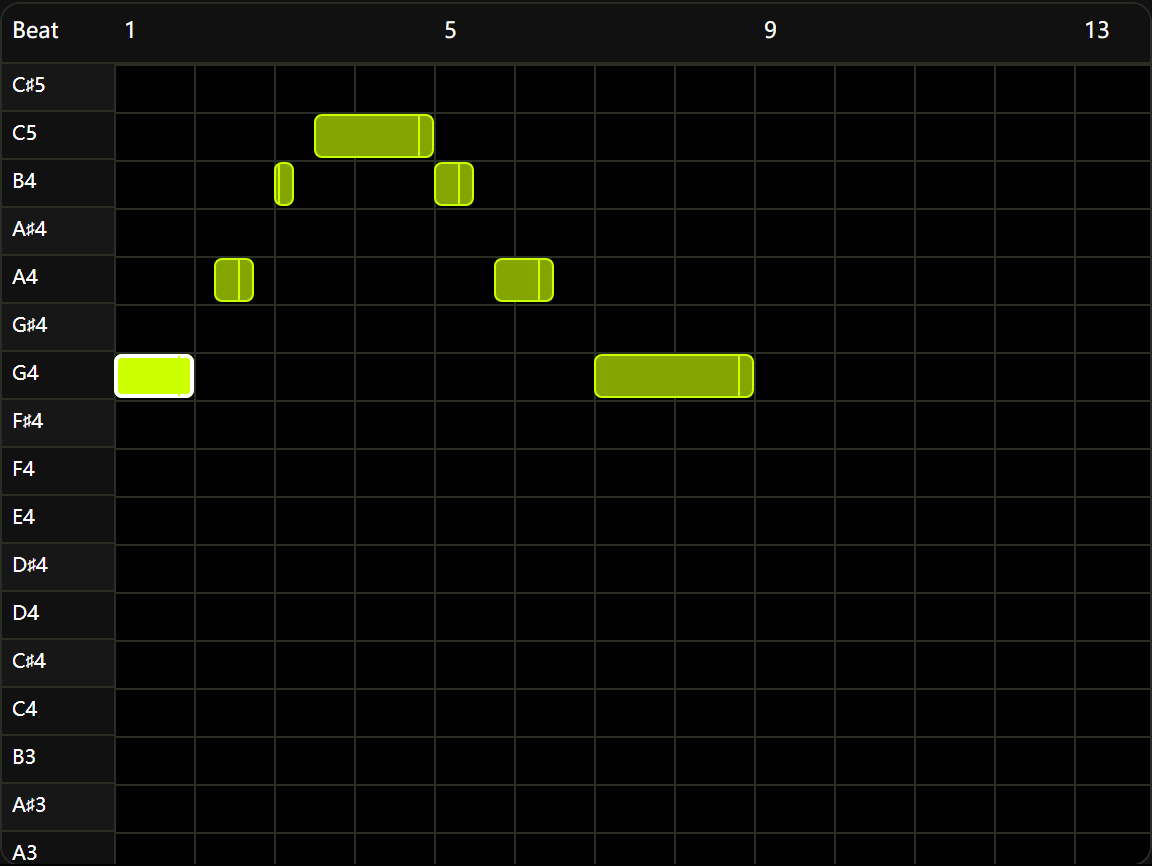
Correct notes after audio-to-MIDI conversion
Treat a transcription as a draft you can inspect and improve.
If you have converted a recording to MIDI, import the result and check it phrase by phrase. Move a wrong pitch, shorten a note that overlaps the next one, or remove an unwanted event. Compare the basic preview with your musical intention, then export the revised notes for your DAW. This editor does not automatically correct transcription errors or recover the original recording's tone. Review the import notice first, especially when your source file includes pedal or other controller data.
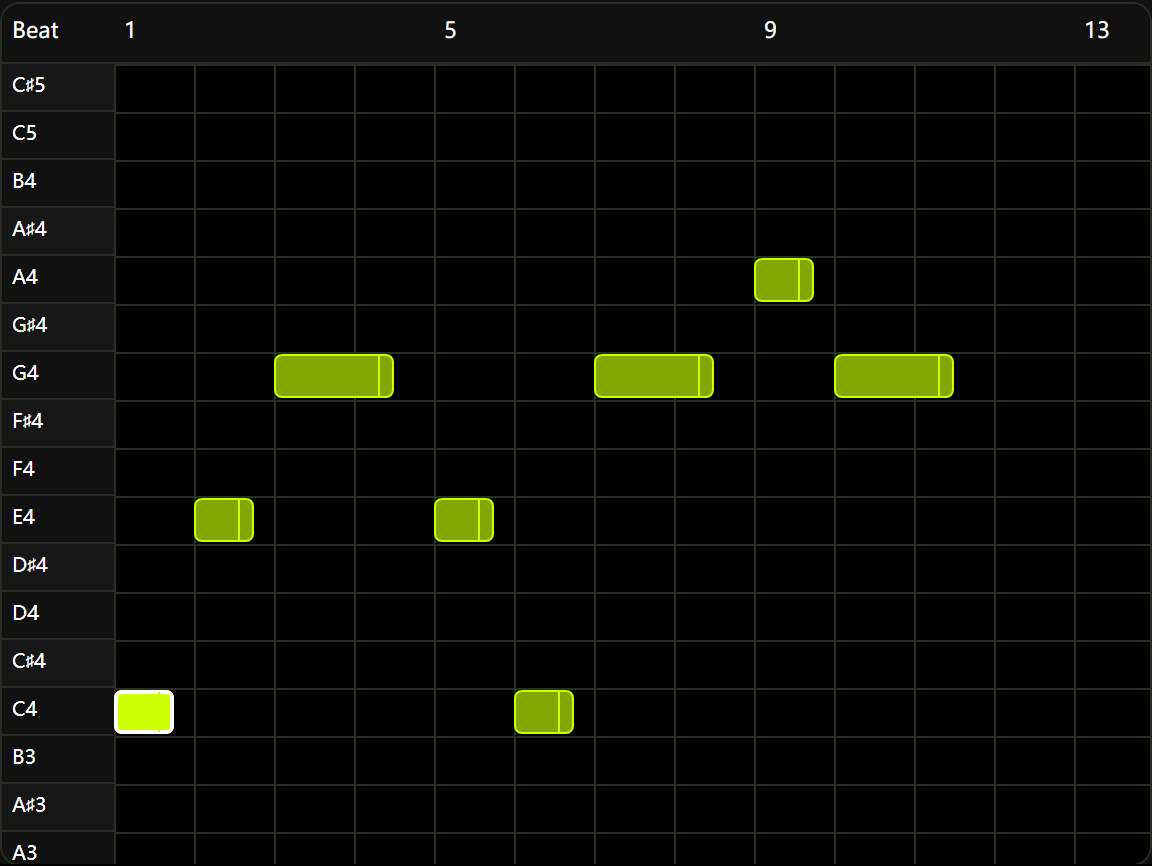
Write a melody without recording audio
Start with a few notes and develop their rhythm before choosing the final sound.
Create an empty project, choose a new-note length, and place notes on the piano roll. Try a repeated motif, change a note's duration, or shift its starting beat to hear a different rhythm. Undo lets you compare recent edits without starting over. You can prepare this draft before signing in; login is required for playback and export. When the idea is ready, download the MIDI and continue arranging it in the software you normally use.
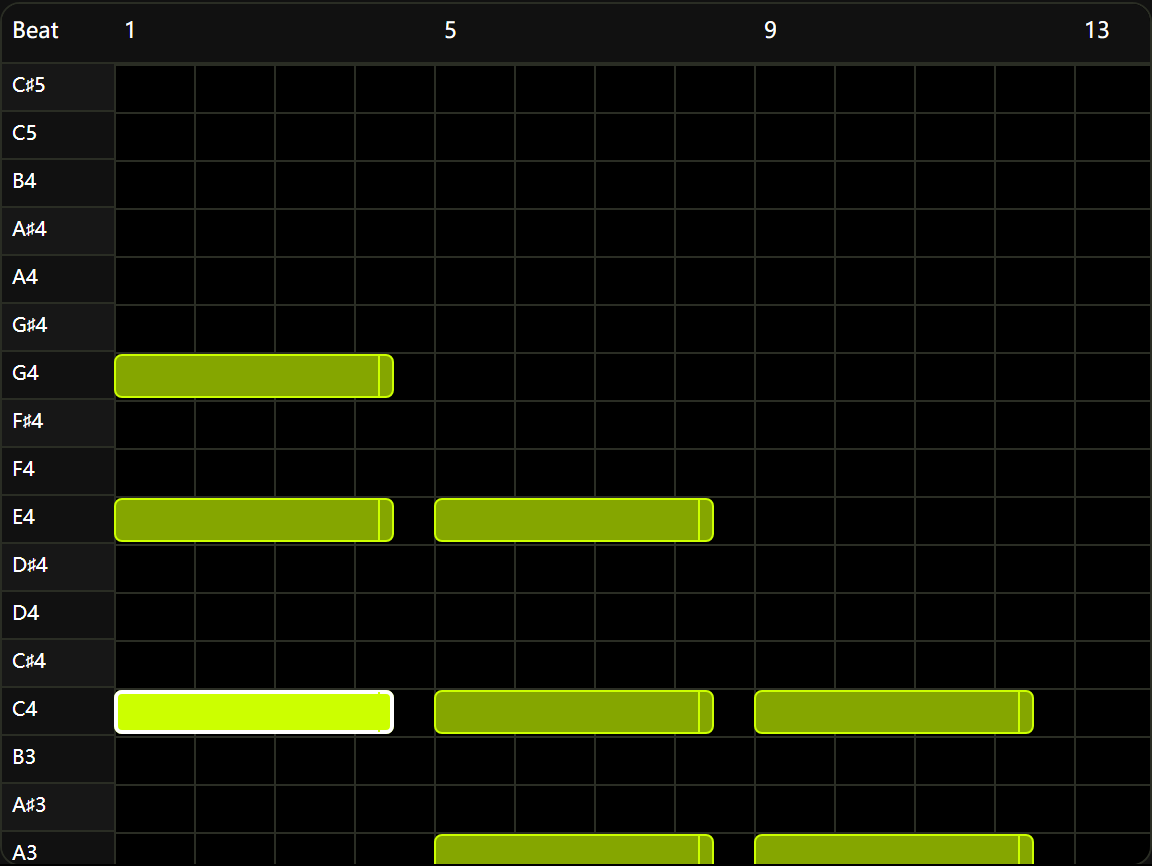
Edit harmony and other parts one track at a time
Keep separate musical roles organized while adjusting the notes that connect them.
Use separate tracks for a melody, bass line, or chord part, then switch tracks to edit their notes. Set program numbers for the instruments you want a compatible sound source to use after export. You can inspect note lengths, timing, and velocity across the arrangement, but the preview uses the same basic synth sound for every part. Add instrument libraries, track volume, pan, effects, and final audio rendering in your DAW. The example shows a chord part on a single selected track.
How to edit a MIDI file online
The grid counts quarter-note beats. Its divisions are an editing guide, not a display of the original file's time signature.
Create or import a project
Start with a blank track, or sign in and choose a .mid or .midi file. Read the import notice before confirming replacement. Oversized files and projects beyond the track or note limit are rejected rather than silently shortened.
Keep a copy of your original MIDI file.
Edit the notes precisely
Select a track and add, move, resize, or delete notes. Change pitch, starting beat, duration, and velocity in the fields below the roll. Scroll to reach other pitches, jump to a later time window, and zoom horizontally for closer work.
Check the musical idea
Sign in to play the arrangement using the basic synth preview. Listen for pitch and timing changes. A tempo edit applies one speed to the entire project; imported tempo changes are not reproduced. Stop playback to make another edit.
Download and continue
Export your edited MIDI, then open it in a compatible DAW or notation app. Choose instruments there and check the result before rendering audio. Save a downloaded copy before closing the tab; the browser draft is not a permanent backup.
A practical piano roll for everyday note editing
Use the browser for targeted corrections and musical sketches, with clear limits on what enters and leaves your project.
Local file processing
MIDI parsing and editing happen in your browser. Files are not uploaded for editing; login checks still contact the site. Export your own copy when you finish.
Original note timing resolution
Import retains the file's PPQ timing resolution and short note durations. Numeric editing helps you work beyond grid snapping; MIDI export uses that project resolution.
Room to revise an edit
Undo and redo cover the latest 50 edits, including confirmed project replacement. A complete mouse drag counts as one edit. History is cleared when the page reloads.
Access to high, low, and later notes
Scroll through MIDI pitches 0–127 and jump between 32-beat time windows. Imported notes beyond the opening view remain accessible for editing.
An editable handoff to your DAW
Export notes, track names, channels, and program numbers as MIDI. Continue with your own sound sources and production tools; the download does not contain preview audio.
Visible import boundaries
Before replacing a project, the import notice explains which events will be omitted. File, track, and note limits produce an error instead of silently discarding part of a composition.
MIDI editor questions
Which MIDI files can I edit?
Import standard PPQ MIDI files (type 0 or 1), up to 2 MB, 16 tracks, and 20,000 notes. The editor supports pitches 0–127 and time windows throughout the composition. SMPTE timing and type 2 files are not supported.
Will all the data in my MIDI file be preserved?
No. Notes, track names, channels, instrument programs, original note timing resolution, and the initial tempo are retained. Other events, including tempo changes, controllers, pitch bends, lyrics, and time/key signatures, are not exported. Review the import notice and keep the original file.
Why do all instruments sound the same?
Preview uses one basic synth sound. Program numbers are stored in the MIDI export, but this editor does not include a full instrument sound library. Your DAW or synthesizer determines the final sound.
Where are my MIDI files and drafts stored?
MIDI files are processed locally in your browser, not uploaded for editing. Drafts are saved in this tab when browser storage is available. They are not a permanent backup or synced across devices. Export a MIDI copy before closing the tab.
Do I need to sign in or spend credits?
You can write a draft before signing in. Import, playback, and export require login. These MIDI editing actions currently do not deduct site credits.
Can I convert audio or download an audio recording here?
This editor works with MIDI notes and exports MIDI, not audio. Use Audio to MIDI to transcribe a recording. Render your edited MIDI to audio in a DAW with your chosen instruments.
How do I read and use the piano roll?
Higher notes appear higher on the grid, and later notes appear farther to the right. A note's horizontal length represents its duration. Click empty space to add a note, select it to edit its fields, or use arrow keys on a focused note to change pitch and timing. On touch devices, use scrolling and the numeric fields for precise edits.
How do I edit notes outside the first view?
Scroll vertically for pitches 0–127. Use Previous window, Next window, or Window start to reach another part of the composition. Each window spans 32 quarter-note beats. Horizontal zoom changes the displayed size of notes; it does not change the music's timing.
Can I undo an edit or recover a replaced project?
Undo and redo cover the latest 50 edits while the page stays open. New project and MIDI import ask before replacing your work, and a confirmed replacement can be undone. Refreshing clears history, although the current draft may be restored from this tab's storage. For a lasting backup, export a MIDI file.
What should I check after opening the export in a DAW?
Check the track assignments, program numbers, note timing, and tempo with the sound source you intend to use. A MIDI program is an instruction, not a bundled instrument. Recreate any controllers, tempo changes, or other events omitted during import before using the file in a finished production.
Make the next change to your MIDI
Start with a melody sketch or bring in a MIDI file to revise. Review the import limits, edit the notes, and export a copy for the next stage of your music.