AI Lyrics Generator
Start with a small idea. Use our AI lyrics generator to shape it into a song draft you can read, change and make your own.
Your lyrics
Your lyrics will appear here.
AI lyrics writing that fits the song you want
An AI lyrics generator turns your theme, genre and mood into one text draft. Use it to explore words before making music: describe a scene, choose a direction, then review and edit the result. Singing and accompaniment are a separate song-generation step.
If you already draft lyrics in a chat tool, this page offers a workflow built around songwriting: group your theme, keywords and settings in one form, edit the returned draft, then carry it into the song workspace. Choose it for that process; a dedicated form does not guarantee better lyrics.
Start from a specific moment
Describe an event instead of only naming an emotion. “The last bus home after saying goodbye” gives a verse more to work with than “sadness”.
Choose a genre direction
Use Pop, Rap, Country or another available style as a writing guide. Review phrasing and line length rather than assuming the genre choice guarantees a particular flow.
Set the emotional direction
Explain whether the speaker feels hopeful, conflicted or calm. A concrete action can express that feeling more clearly than repeating its name.
Request a song structure
Choose Verse–Chorus–Bridge or Free flow. Check the returned draft for a clear progression; a structure choice is a request, not a fixed section count.
Edit the words yourself
Shorten a crowded line, replace a forced rhyme or add a detail from your own life in the result editor. Manual editing does not request another generation.
Continue to a song
Send the edited words into the song workspace and choose the sound there. Transferring a draft does not start a song task; successful song generation costs 30 credits separately.
Sad song lyrics generator: start with a specific memory
Use this lyrics generator to explore heartbreak, missing someone or regret. Choose who is speaking and one small detail before naming the feeling. Let the verse show what changed, the chorus return to what hurts, and the bridge offer a new perspective. These settings guide a text draft; they do not create music or guarantee a particular result.
Original teaching examples, not generated results. Each button fills the theme and keywords and sets the displayed genre, mood and Verse–Chorus–Bridge structure. Existing input or custom settings require confirmation. Nothing is generated or charged until you submit; successful lyrics cost 1 credit, and making a song is a separate step.
Heartbreak: the habit that remains
A breakup lyric can begin with an ordinary action rather than a declaration of pain. Keep the verse in one room and let the chorus reveal why that familiar habit feels different now.
Pop · Melancholy · Verse–Chorus–Bridge
Prompt to try Write in English, in first person, about making two cups of tea the morning after a breakup. Show the second cup going cold in the verse. Build the chorus around learning to stop saving a place for someone who has left. In the bridge, let the speaker put the spare cup away without pretending to be healed. Use plain language and avoid forced rhymes. Original lyric example [Verse] I set two cups beside the sink, Then leave yours cooling by the chair. [Chorus] My hands still make a place for you; I am learning what to do with air. Make it your own Replace the cup with a real habit you remember. If the last line feels too abstract, try “I put your cup back on the shelf.” Read both aloud and keep the phrasing that sounds like you.
Missing someone: a place across the distance
Longing does not have to mean a breakup. Describe the same familiar place from one person’s perspective, then give the chorus a small action that keeps the absent person present.
Traditional Folk · Nostalgia · Verse–Chorus–Bridge
Prompt to try Write in English, in first person, to someone I miss who now lives far away. Begin at the bus stop where we used to meet. The verse notices the faded timetable and the empty space beside me; the chorus returns to saving a story to tell them. Let the bridge consider making a call instead of waiting. Use conversational lines, with sadness and a little warmth. Original lyric example [Verse] The timetable has lost its blue; I stand where we would watch the rain. [Chorus] I save a little of my day To tell you when we talk again. Make it your own Use a place you both know and one detail that has changed. If every line says “I miss you,” keep that thought for the chorus and let the verse describe what you see.
Regret: the words you did not say
Give regret a clear turning point. The verse can replay a missed conversation, while the bridge admits what the speaker understands now. An apology does not need to promise forgiveness.
Country · Sadness · Verse–Chorus–Bridge
Prompt to try Write in English, in first person, about leaving an apology unsent after an argument. Begin with a half-written message on the kitchen table. Let the verse show hesitation, the chorus return to the words I should have said, and the bridge take responsibility without demanding forgiveness. Keep the language simple and the rhymes natural. Original lyric example [Verse] I wrote your name, then stopped again; The kitchen light stayed on till two. [Chorus] I cannot ask you to forget, But I can say I hurt you. Make it your own Name one action the speaker regrets instead of making them guilty of everything. Shorten any line that needs an awkward pause, even if that means giving up a rhyme.
Give your lyrics a scene and a point of view
“Write about friendship” leaves many choices open. A few personal details can make the direction clearer. These are writing examples, not a preview of a generated result.
A broad theme
Write a song about friendship.
A more useful writing brief
Write from my point of view to a childhood friend who is moving away. Remember cycling home after school and talking beneath the streetlights. Let the verses tell those moments and the chorus return to staying close across the distance. Warm and hopeful, with everyday language.
Choose the speaker
First person sounds like a personal message; a narrator can tell a story from outside. Say which perspective you want.
Name one scene
A bicycle ride or a conversation under streetlights gives the verse something concrete to describe.
Give the chorus a purpose
Choose the feeling or thought to return to. Review the result for repetition, line length and phrases you would actually say.
Make a broad line more personal
An original teaching example, written for this page. Both versions below are illustrative; the tool does not automatically rewrite selected lines.
You were always there for me, Our friendship means so much to me.
You held my bike beneath the light, And waited till my chain was right.
The revision replaces a general statement with a visible moment. It is one possible direction, not a required rhyme: read it aloud and change the length or wording to fit your own voice.
Start from your own lines or a rap idea
Keep your original words separately, then give the generator enough context to explore a new draft. Use only lines you wrote or have permission to submit.
- Use existing lines as context
Paste a short excerpt into the theme and explain what should happen next. This creates a new draft; it does not lock your original lines or add only the missing verse. Choose useful lines and combine them with your own text manually.
My opening lines are: “The last train leaves an empty light / I fold your note and call it night.” Use them as context for a new draft about deciding to leave a familiar town. Let the next verse move from waiting to taking a first step, and make the chorus return to that decision.
- Draft rap lyrics before making a track
Choose Rap and describe a scene, point of view and hook idea. You can request short lines or internal rhymes, then read the result aloud and adjust the flow yourself. This page drafts the words; vocals and a beat come later.
Write first-person rap lyrics about rehearsing a first performance in an empty room. Use short, conversational lines and occasional internal rhymes. Let the verse show nerves through small actions, and the hook return to stepping up to the microphone. Avoid forced rhymes.
These are original teaching prompts, not generated results or automatic continuation tools. Copy a prompt into the theme and adapt it; the requested lyric language follows the page you use.
Already have rap lyrics? Continue to the rap song generatorFills the theme and keywords only. Keep or change your genre, mood and structure, then generate when ready.
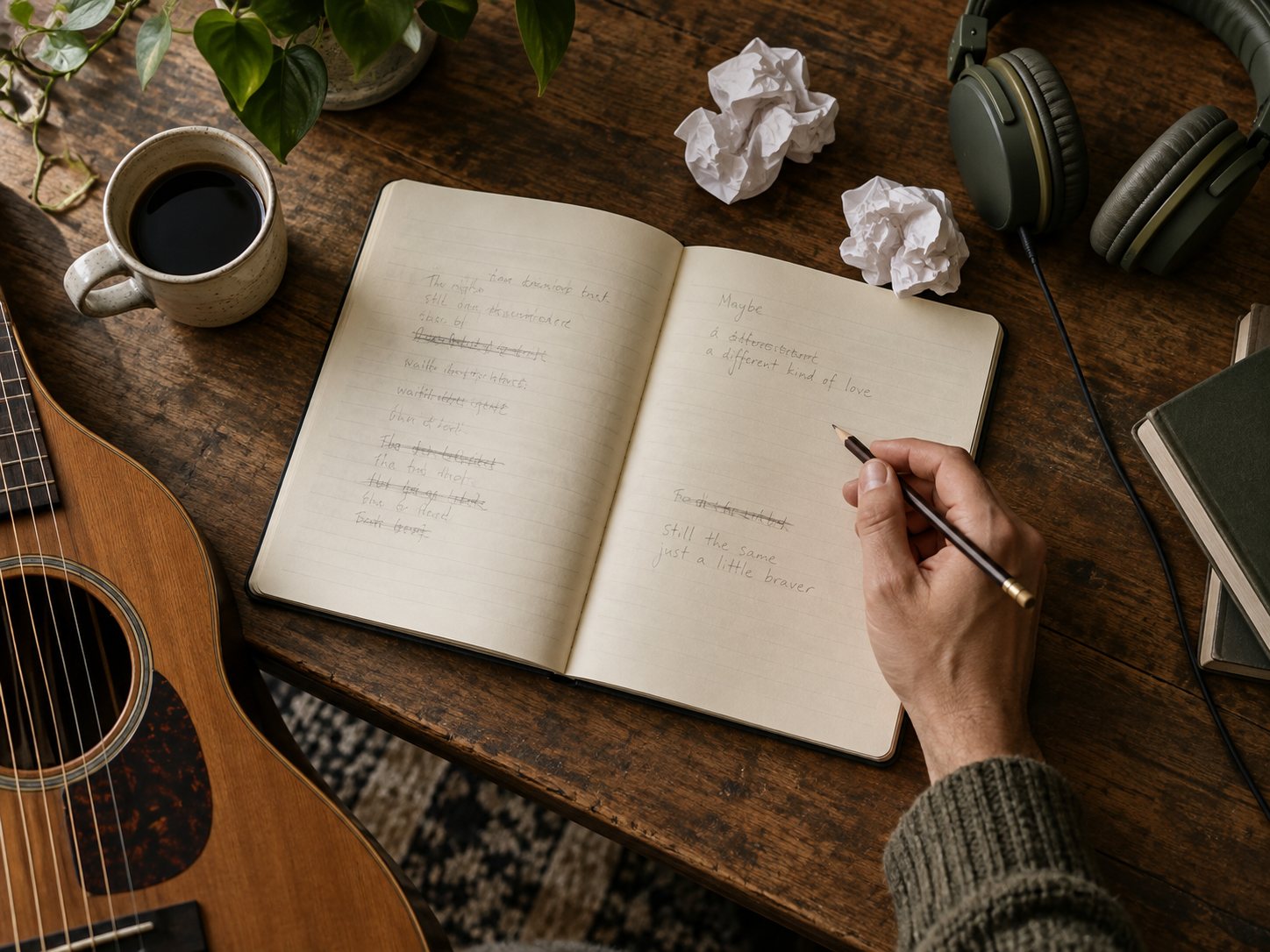
Beat Writer's Block With AI Lyrics
The melody's there — the words won't come.
Start with the line or scene you already have and explain what the next verse should add. Read the new draft aloud with your melody, then keep only the phrases that suit it. The tool writes a new draft; it does not repair a selected line in place.

Turn a Memory Into Lyrics
Write a song someone will keep.
For a birthday, anniversary or farewell, describe one shared memory and what you want the listener to feel. Check names and facts before using the words. Review the text first, then choose a musical direction in the song workspace.
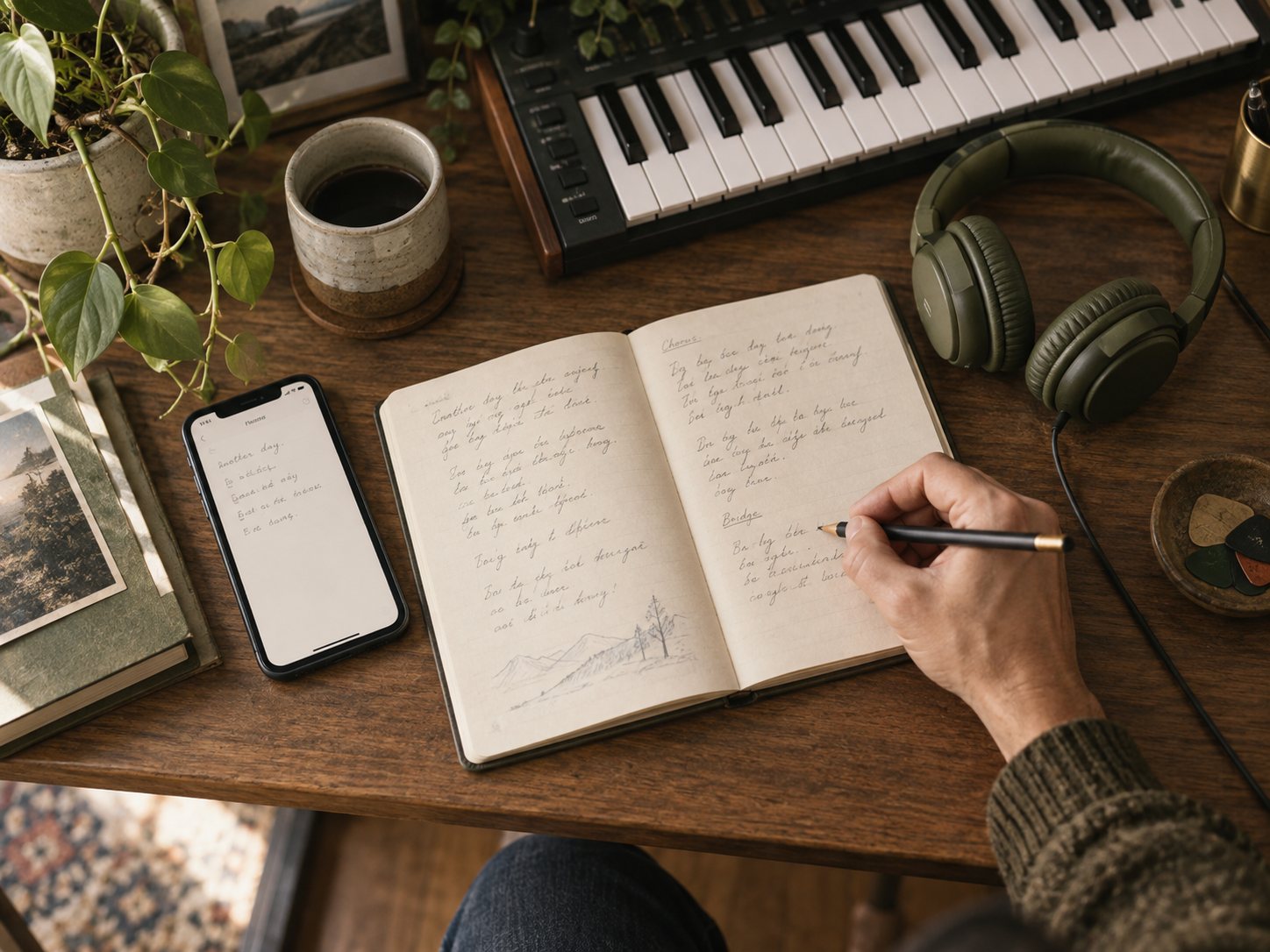
Go From Idea to Finished Lyrics
That one-line idea deserves a melody.
Turn a note in your phone into a brief: who is speaking, what changed, and what should the chorus return to? Generate a draft, remove repeated ideas and edit the wording before moving on to music.
Write a full set of song lyrics in 4 steps
Describe the scene
Write who is speaking, what happened and how it feels. Add a few keywords for details you want to explore. Only use material you own or have permission to submit.
Choose genre, mood and structure
Pick a writing direction and either Verse–Chorus–Bridge or Free flow. These settings guide the draft; review the result rather than expecting an exact structure.
Generate and edit your lyrics
Sign in to request one draft for 1 credit on success. Failed tasks are not charged. Read it aloud and edit the words yourself; requesting a fresh version costs another credit if successful.
Continue to the song workspace
Transfer the edited lyrics, then choose a voice and style and review your settings. This is a separate song task: successful delivery of two saved versions costs 30 credits.
Six checks before you turn lyrics into a song
Read each line aloud
Mark where you naturally pause. If you run out of breath, try shortening the line or splitting it at a meaningful point.
Keep the point of view consistent
Check who “I”, “you” and “we” refer to. A change of speaker should be intentional and understandable.
Replace general statements
Swap “we had good times” for an action or place from your own memory. Avoid adding invented personal facts just to complete a rhyme.
Give each section a job
Let verses develop the scene and the chorus return to the central thought. Remove lines that repeat an idea without adding anything.
Make rhymes sound natural
Keep words you would actually say. A clear meaning is more useful than an awkward phrase added only to rhyme.
Check your input and result rights
Use material you have permission to submit and check the license shown with the result. Free-credit lyrics are non-commercial; paid-credit sources allow commercial use. Only annual-plan sources include a certificate.
Frequently Asked Questions About AI Lyrics Generator
Can I write song lyrics from one idea without songwriting experience?
Yes. An AI lyrics generator turns a theme and writing preferences into a text draft. Describe one scene, who is speaking and what the chorus should return to; add optional keywords and choose genre, mood and structure. The examples above can help you start without music theory. This page writes lyrics, not singing or accompaniment.
How can I make AI lyrics sound more natural and personal?
Describe a real memory, place or action instead of only naming a feeling. Use the prompt comparison and revision example above, then read your draft aloud. Replace generic phrases, remove repeated ideas and shorten crowded lines. Rhymes should serve the meaning. The teaching examples illustrate editing choices; they are not evidence of a guaranteed generated result.
Can I write sad songs, love songs or rap lyrics?
Yes. Try the heartbreak, longing and regret prompts above, or adapt the everyday-love and shared-memory examples. Choose an available genre such as Pop, Rap or Country and a mood that fits your story. The rap writing prompt shows how to describe a scene and hook; review the wording and flow before making a track.
Which lyric languages are supported, and how do I choose?
Use the English, Chinese or Spanish version of this page. The page language determines which language the generator is asked to write; there is no separate lyric-language selector. Review the result for natural phrasing and regional expressions. Copy unsaved text before switching pages; this is not a translation or guaranteed bilingual-writing feature.
Can I specify keywords, rhyme, length and song structure?
Keywords guide the draft but are not guaranteed to appear word for word. Choose Verse–Chorus–Bridge or Free flow, and describe a preferred length or rhyme direction in the theme if useful. These are writing requests, not exact controls: fixed section counts, word counts, syllables and rhyme schemes are not guaranteed. Check the draft and edit it to fit your melody.
Can I use lines I have already written to continue a song?
You can include a short excerpt you wrote or have permission to submit in the theme, then explain what the next part should add. Keep your original separately: the tool creates a new draft and does not lock existing lines, continue in place or rewrite only a selected section. Pick useful lines from the result and combine them with your original manually.
Can I edit, copy and save the lyrics?
You can edit the result yourself and use Copy Lyrics to copy the current text. Manual edits are not saved automatically: copy them before leaving or refreshing, which may restore the original generated text. There is no selected-line AI rewrite, saved-edit history or regular lyric-file download button. Turn Lyrics Into a Song carries your current edited text into the song workspace.
Can I try it free, and do I need an account or credit card?
You can prepare a theme before signing in, but generation requires an account and the service is for adults aged 18 and over. Eligible new accounts on devices that have not claimed the signup grant receive 90 one-time credits, shared by lyrics and songs, without a credit card. Switching accounts does not renew the device grant. Free signup credits are unavailable for access from India. Check your balance before generating.
What do generation, new versions and manual edits cost?
Each successful new lyric request delivers one version for 1 credit. Asking for another version costs another credit if successful, even if you prefer the earlier draft. Failed tasks are not charged. Typing in the editor, copying text and filling an example do not start a new generation or charge credits. Making a song is a separate task.
Will my personal story or generated lyrics be public?
Your lyric results are accessed through your own account; this page does not automatically publish them to a public gallery. Generating is not a device-only operation: submitted content is sent through our server to a generation provider for processing. Read the Privacy Policy for data handling and privacy-request details. Avoid including sensitive details that are unnecessary for your song.
Can I use the lyrics commercially, and does upgrading change older results?
Rights follow the credit sources used for that task. Free credits provide non-commercial use; paid credits allow commercial use, and only annual-plan sources include a certificate. Upgrading later does not change an earlier result. Check the rights displayed alongside your lyrics and use only input material you have permission to submit.
How do I turn the lyrics into a song with vocals and music?
Edit the result and choose Turn Lyrics Into a Song to carry the current text into the song workspace. Choose the sound and review the settings before starting that separate task. Successful delivery of two saved songs costs 30 credits. Moving the text alone does not generate music or charge for a song, and sung words and phrasing may vary.
Write the Lyrics. We'll Make the Song.
Start with one scene, read the draft and make the words your own. Lyrics cost 1 credit per successful version; turning them into music is a separate song task.