AI Rap Generator
Turn your rap lyrics into a song with AI vocals and a beat. Start with your own bars or an editable example, then choose a style, emotion, and vocal language.
Live track preview
Your generated rap tracks will appear here after you submit your lyrics.
Turn Rap Lyrics into a Song You Can Listen To
This AI rap generator creates audio from lyrics you supply. Prepare your verse and hook, choose a musical direction, then listen for what needs another pass.
Start with Your Own Bars
Paste a verse, hook, or longer draft between 20 and 5,000 characters. If you only have a topic, draft the words in the AI Lyrics Generator first and choose Rap as the genre.
Give Verses and Hooks Their Place
Use line breaks to separate phrases and labels such as [Verse] and [Hook] to suggest sections. These are directions for generation; the final arrangement may interpret them differently.
Choose from 25 Rap Styles
Try Boom Bap, Trap, Drill, Melodic Rap, or another option in the style menu. Keep the words the same when comparing styles so you can hear how each result treats your lyrics.
Set an Emotion for the Delivery
Choose Reflective for a personal story, Confident for a statement, or Playful for a lighter idea. The selection guides vocal delivery without fixing the performance of every line.
Match the Vocal Language
Choose the language your lyrics are written in. This setting guides vocal delivery; it does not translate the lyrics or guarantee a specific accent.
Listen, Edit, and Try Again
Check rushed phrases, unclear words, and a hook that feels too long. Edit your source lyrics before a new generation; changing the draft does not edit an existing audio track.
One UK Drill Draft, Two Generated Takes
Listen to two full versions generated from the same original lyrics and settings. This is one example, not a guarantee of the sound you will get.
Same Street, New Way Home
UK Drill · Reflective · English vocals · 140 BPM target
Read the original input lyrics (English)
[Verse] Last bus home, rain on the pane Same old stop, but the view has changed Keys in my palm, plans in my coat I missed one turn, found my own road [Hook] Same street, new way home Less to prove, more to own
Take 1 2:59
Take 2 2:59
AI-generated with KIE V6. The requested length was three minutes; the pace, words and arrangement may be interpreted differently. These recordings use English lyrics on every language version of this page.
Choose a Rap Style for Your Lyrics
Start with the words you want to perform. These four directions suggest different ways to prepare a verse, not guaranteed vocal effects. Drill and UK Drill both submit a 140 BPM target; Emo Rap and Mumble Rap submit 110. The finished track may interpret the pace differently. Emo and Mumble use the same generation workflow, with different style names rather than dedicated processing.
Need lyrics first? Draft them with the AI Lyrics Generator.For a UK Drill writing draft, choose Rap in the lyrics tool and describe your scene, theme and phrasing. Try the prompt below, review the words, then copy them back here and select UK Drill. This is a writing direction, not a dedicated UK Drill model or accent control.
Write a rap verse and a short hook about missing the last bus home. Use concrete street details, concise lines and space for pauses, as a draft for a UK drill direction. Avoid forced slang.
Original writing examples, not generated recordings. Each button fills the lyrics and sets the named style and emotion. Your vocal language stays unchanged: check it against the example. Existing words require confirmation; nothing is generated or charged.
Drill
Build a verse around an action: a door closing, shoes on the pavement, another attempt. Short phrases let you test where to stop instead of squeezing explanations into every line. Try Drill + Confident for this forward-moving draft. Read the breaks aloud; the style setting will not place every pause for you.
Original verse and hook to edit
[Verse] Lace tight, step out Cold air, no doubt One door shuts, I turn New route, still learn [Hook] Step by step, I stay Build my own way
UK Drill
Try UK Drill + Reflective for a compact story with a specific place and a change of perspective. This late-bus draft leaves room around the last phrase of each line; test where the emphasis feels natural. UK Drill shares Drill’s 140 BPM target. Its separate style label gives a direction, not a promise of a British accent, regional slang or a particular rhythm.
Original verse and hook to edit
[Verse] Last bus home, rain on the pane Same old stop, but the view has changed Keys in my palm, plans in my coat I missed one turn, found my own road [Hook] Same street, new way home Less to prove, more to own
Emo Rap
Write a personal moment before naming the feeling: an unsent message can say more than another line about sadness. Try Emo Rap + Heartbroken. Let the verse explain what happened, then give the hook one emotional thought to return to. This is a writing direction; selecting Emo Rap does not guarantee a sung hook or a particular vocal tone.
Original verse and hook to edit
[Verse] Your cup is waiting where you left it I move it once, then I regret it I type a message, watch it glow Delete the words you’ll never know [Hook] I leave the hallway light on low Still learning how to let you go
Mumble Rap
If vocal texture matters more to your idea than a dense story, begin with fewer words and a short repeated phrase. Try Mumble Rap + Chill for this drifting night scene. Keep the words you actually want performed; invented filler syllables can distract from the hook. The label suggests a direction, without guaranteeing slurred words, melody or a specific delivery.
Original verse and hook to edit
[Verse] Low light, slow ride Moon out, drift by No rush, just time Your hand in mine [Hook] We ride, we ride Let the night slide
Prepare a Rap Verse and Hook
The following is an editorial writing example, not a generated song or a promise of a particular flow. Notice how a broad idea becomes concrete lines you can read aloud before trying them over a beat.
A broad idea is not yet a verse
I work hard, I have big dreams, and I want to keep going even when the days are long.
An editable verse and hook
[Verse] Last bus gone, I walk beneath the light Work shoes dusty, notebook open wide Small steps home, a rhythm in my stride One more page before I call it a night [Hook] One more page, one more line Little by little, I make this time mine
Story-led verse: try Boom Bap
For this notebook-and-night-bus example, try Boom Bap with Reflective. Read each line aloud first and remove words that make you rush. The style choice is a starting direction, not a fixed rhythm.
Sharper delivery: try Trap or Drill
For a more forceful draft, try Trap or Drill with Confident. Use shorter phrases and leave breathing room between ideas; a style selection will not automatically fix an overcrowded line.
A more sung hook: try Melodic Rap
Try Melodic Rap when you want to explore a more melodic direction. Keep the hook short and easy to repeat, then compare how the two tracks interpret it.
Shorten a Line That Feels Rushed
Illustrative edit for reading aloud; no generated audio is implied.
Before: I am walking home after working all day and thinking of the things that I still want to write.
After: Work shoes dusty, notebook open wide.
The revision keeps a concrete image and removes explanatory words. If a line still feels crowded, split the thought across two lines, keep the important rhyme words, and leave room to breathe. Read the whole verse aloud, then listen to the generated result; word count alone does not determine flow.
How to Write a Rap Flow Before Generating
Flow is how you place syllables, stresses and pauses over a beat, not another option in the style menu. Read the same lines aloud in more than one way before generating.
- Syllable density: leave room for the line
Compare the amount you must say in each line. If one phrase makes you rush, cut an explanation or split the thought. Equal word counts do not guarantee equal syllable counts or a good fit.
Crowded: I keep on writing every single night until the morning light. Lighter: I write all night / until the light.
- Breathing and stress: try two readings
Use a slash on your practice copy to mark a possible breath and capitals to mark a word you want to stress. Try each reading aloud; these marks explain the exercise, not commands that the generator is guaranteed to follow.
Reading A: LAST bus gone / I walk beneath the LIGHT Reading B: Last bus GONE / I WALK beneath the light
- Rhyme placement: land on the important word
Try putting the rhyme at a line ending, then try an internal rhyme. Keep the meaning clear instead of adding filler just to reach a rhyme. Listen to how each placement changes your spoken rhythm.
End rhyme: I take the long way HOME / past windows lit in CHROME Internal rhyme: SLOW steps, LOW light / I take the long way home
After generation, compare both tracks with your draft. Note where a line feels rushed or a pause disappears, edit that passage and try again if needed. These exercises do not provide automatic syllable alignment or exact control of the performance.
Troubleshoot skipped or repeated lyricsFills only the lyrics. Keeps your current settings and asks before replacing existing words. Check the language and usage rights; nothing is generated until you submit.
Rap Demos for Different Writing Goals

Hear Your First Verse
Turn a draft from your notes into a rap demo without recording vocals yourself. Listen for the lines that feel crowded, then shorten them before the next take.
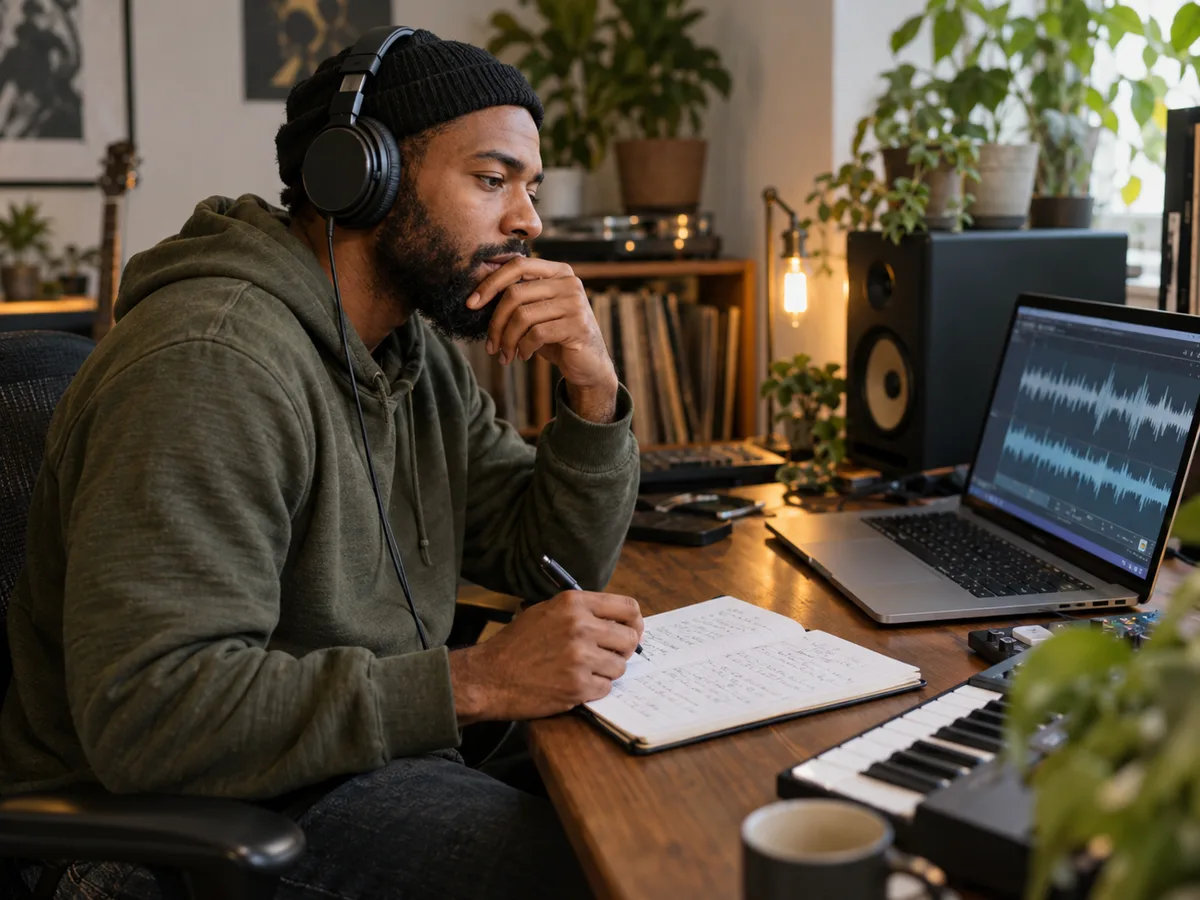
Compare a Verse and Hook
Test a story-led verse against a shorter, repeated hook. Compare the two generated tracks for wording clarity, section changes, and whether the hook stands out.
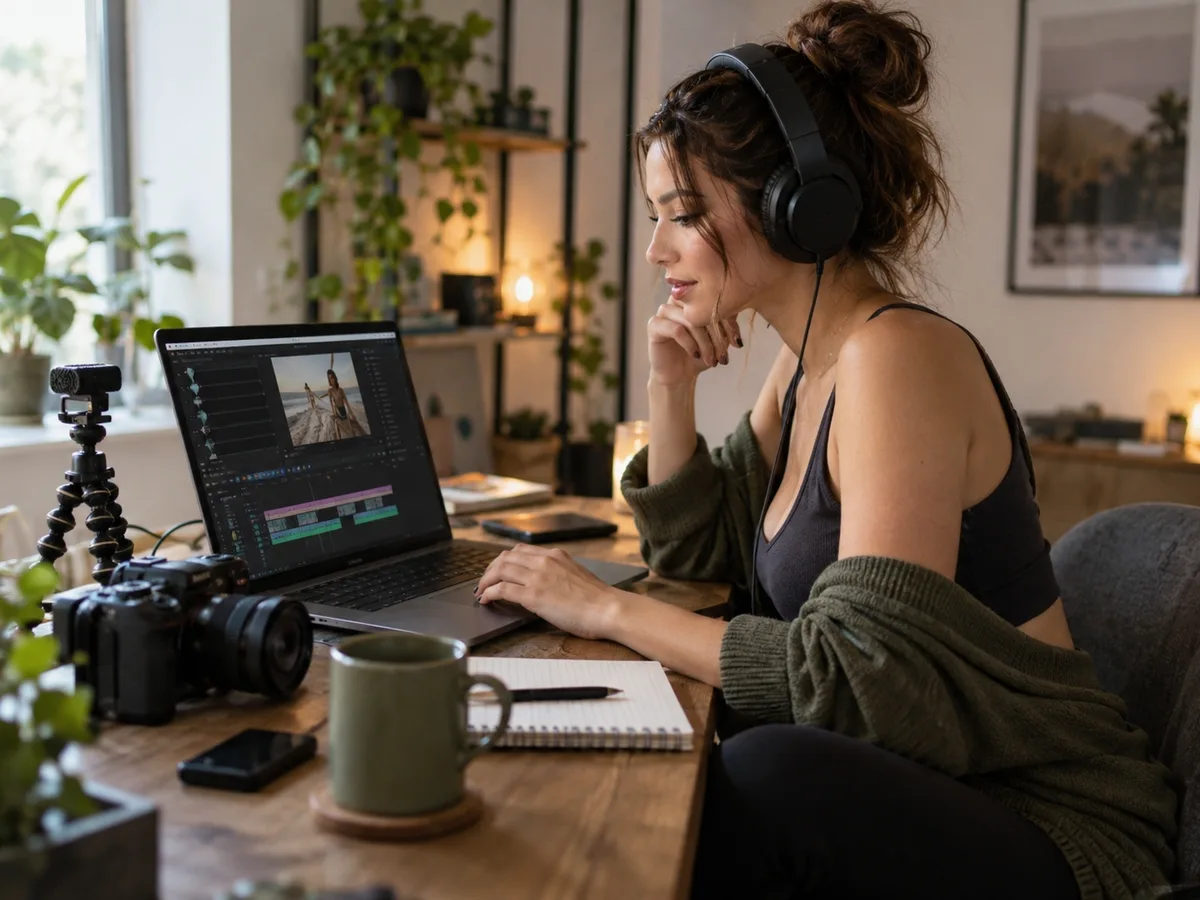
Draft a Track for a Video
Write lyrics around the scene or story in your video, then preview the music before planning an edit. Check the generation’s license before commercial use; free-credit results are non-commercial.
How to Generate a Rap Song with AI
Eligible new accounts on a device that has not claimed a signup grant receive 30 signup credits once. Switching accounts on the same device does not grant more free credits. Daily check-in rewards are no longer available. Free signup credits are unavailable for access from India.
Step 1: Prepare Your Rap Lyrics
Write 20–5,000 characters or load an example and make it your own. Separate verse and hook with line breaks. This field expects words to perform, rather than a request such as “write a rap about ambition.”
Step 2: Pick Your Rap Style
Choose from 25 styles, including Old School, Trap, Drill, Boom Bap, and Freestyle. Add an emotion and vocal language to guide the delivery. Results may vary between generations.
Step 3: Generate and Download
Sign in and generate rap tracks from your lyrics. A successful pair costs 30 credits; failed or single-track tasks are not charged. Preview the available tracks, then open the generation in your workspace to download.
Why Create Your Rap Here?
Create Without a Recording Setup
Start with your lyrics and a browser. You don't need a microphone, recording software, or a studio to hear your words performed with an AI-generated beat and vocals.
Compare Two Takes
Each successful generation delivers two distinct tracks. Listen to both, compare the vocal delivery and arrangement, and choose the version that works best for your lyrics.
Listen Before You Download
Play your generated tracks directly on the page. When you find a version you like, open it in your workspace to download and continue working with it.
Keep Your Draft Through Sign-In
Write and edit before signing in. When you're ready to generate, your lyrics and selected settings stay in the same browser tab so you can continue after login.
Know What Each Generation Costs
A successful pair of tracks costs 30 credits. Credits are reserved while the task runs and charged only after both tracks are delivered and saved. Failed or single-track tasks are not charged.
Keep Your Tracks in Your Account
Access your generated tracks through your private account. Return to listen or download while the files remain available under your storage policy, and keep your own downloaded copies.
Frequently Asked Questions
What is an AI rap generator?
An AI rap generator turns lyrics you provide into rap music with vocals and a beat. Choose a style to guide the sound, then hear your words as an audio track. This page generates music from submitted lyrics; if you need help writing them, start with our separate AI Lyrics Generator. The arrangement and vocal delivery can vary between results.
Can I use my own lyrics, or does the AI write them for me?
You can paste your own bars into the editor or write them there. To start from an idea, use our AI Lyrics Generator, choose Rap, and generate a draft from a theme. Review the lyrics, then copy them here to create a song. Lyrics generation costs 1 credit per successful result; rap song generation is separate and costs 30 credits per successful pair. Only submit lyrics you own or have permission to use.
Does it generate a full rap song, or just lyrics?
It generates audio with rap vocals and a beat, not just a lyric sheet. Paste your lyrics, pick a style, and generate tracks you can preview and download from your account. This page requests a three-minute song, but the final duration, arrangement, and presence of specific sections such as a chorus or bridge can vary.
Can I upload my own beat or use my own voice?
This form accepts lyrics and style settings, not uploads of your own beat, melody, or voice recording. It does not clone voices. The vocals and accompaniment are generated together; this page does not deliver separate vocal and instrumental stems.
How do I choose a rap style?
Use the style menu to choose from 25 options, including Old School, Trap, Drill, Boom Bap, and Freestyle. Your style, emotion, and vocal language guide the musical direction; they do not guarantee a specific sound. Try another style to compare results. Each new successful generation of two tracks costs 30 credits.
Is the rap generator free to use?
You can try it with free credits; no credit card is required for the free allowance. Eligible new accounts on a device that has not claimed a signup grant receive 30 signup credits once. Switching accounts on the same device does not grant more free credits. Daily check-in rewards are no longer available. Each successful pair of rap tracks costs 30 credits. For more credits, you can buy a subscription or a one-time credit pack. Free signup credits are unavailable for access from India. You must register or sign in before generating. Available tracks made with free credits can also be downloaded from your workspace without buying a subscription; they remain for non-commercial use. Audio made entirely with free credits and without an active paid subscription is stored for 30 days from first delivery, so download a copy while it is available.
Do I really need credits? Is there a catch?
Yes. Each rap generation reserves 30 credits while it runs. Those credits are charged only when two distinct tracks are delivered and saved; failed or single-track tasks are not charged. Signing in or using free credits does not start a paid subscription. If you choose a subscription, it renews automatically unless canceled. Credit packs are one-time purchases. Review the price and renewal terms before paying.
How is this different from the main Lyrics to Song AI generator?
Both pages use the same song generation engine. This page focuses the controls on rap: it sets Rap as the genre and vocal type, and lets you choose a rap style, emotion, and vocal language. The main generator offers a broader songwriting workspace for other genres and settings. There is no separate rap model trained by us, and the rap page does not guarantee tighter rhymes or better flow.
What happens if my generation fails?
A failed generation is not charged, and its reserved credits are released through the credit settlement process. A task that delivers only one track is also not charged. Check the task status before submitting again; a temporary page or network error does not necessarily mean generation failed. You can start a new generation after a confirmed failure, but success is not guaranteed. A new successful pair costs 30 credits as usual.
Can I use my generated rap in videos or commercial projects?
Video use follows the license for that generation too: commercial projects and monetized videos require commercial-use permission. Downloading a track does not itself grant that permission. Commercial-use rights follow the credit sources recorded for that generation. Free-credit generations are for non-commercial use; generations funded by paid credits allow commercial use under the applicable license. An active subscription alone does not make a free-credit generation commercial, and upgrading later does not change an earlier result's rights. Only annual-plan funding also provides a certificate. You must have permission to use your lyrics and other inputs. Commercial permission does not establish exclusive copyright or guarantee acceptance by streaming or other platforms.
Can I start with just a short hook, and how long should my lyrics be?
The editor accepts 20–5,000 characters. Start with a manageable verse and hook so you can check the wording before using credits. There is no exact character-to-duration conversion: delivery, repetition, and arrangement all affect the result. A short hook alone can be a starting point if it meets the character limit; you do not need to fill the editor. The result may repeat it or expand the arrangement. Short input does not set a fixed clip length or guarantee that the words are performed only once.
Why does my AI rap sound rushed or skip words?
Compare both tracks with your lyrics, check spelling, shorten crowded lines, and separate verses and hooks with line breaks. Read the revised lines aloud before generating again. The AI does not automatically repair your rhymes or guarantee every word, pause, or syllable will land as intended. Editing the lyrics requires a new generation and may change the melody and arrangement. A fully delivered result you dislike is not a technical failure; each new successful pair costs 30 credits.
Can I make rap songs in another language?
The vocal-language menu has ten options, including English, Spanish, Chinese, and Japanese. Write the lyrics in the intended language and select the matching option. The menu does not translate your words; pronunciation, accents, and mixed-language delivery can vary.
Ready to hear your rap?
Bring your own lyrics and find a sound for your next verse.