Why AI Skips or Repeats Lyrics — and What to Try
Check missing lines, repeated choruses and pronunciation in AI songs. Learn what to change before another generation and when you need a different workflow.
When an AI song sounds good but misses an important line, start by finding exactly where the performance differs from your lyric draft. Changing everything at once makes the next result harder to evaluate. Clearer formatting can help communicate your intention, but it cannot guarantee word-for-word singing.
This guide is a listening and revision method, not a claim that a particular formatting trick fixes every model. For the complete starting workflow, see how to make AI sing your own lyrics.
First, separate a lyric problem from a delivery problem
An audio file that plays but changes your wording is different from a task that never delivers its audio. Check the task status and listen to the whole result before deciding what to do.
| What you notice | What to check first | A useful next step |
|---|---|---|
| A line is missing | Is it missing in both versions, or just one? | Mark its location and review the surrounding phrasing |
| A chorus repeats unexpectedly | Did your text already contain a repeated chorus or a repeat instruction? | Make the intended number of sections explicit |
| A name sounds wrong | Is it an unusual spelling or ambiguous word? | Try clearer surrounding wording; keep an untouched original |
| The ending cuts off | Is there too much text for the requested musical direction and duration? | Try a shorter draft or a more suitable target length |
| The request is still processing | Has audio actually been saved and delivered? | Follow the workspace status instead of submitting duplicate requests |
These are things to inspect, not diagnoses of a model's internal behavior. The same symptom can have several causes.
Step 1: Keep a copy and make a listening log
Save the original text before revising. Listen to both versions and record the section, the words you expected, the words you heard and the approximate playback time. Check the final chorus and ending as carefully as the first verse.
A useful note is “Version A omits the last line of Verse 2; Version B includes it but repeats the hook.” “The AI ignored me” does not tell you which change to try. Do not invent a percentage accuracy score from a short listening sample.
Step 2: Make the structure readable
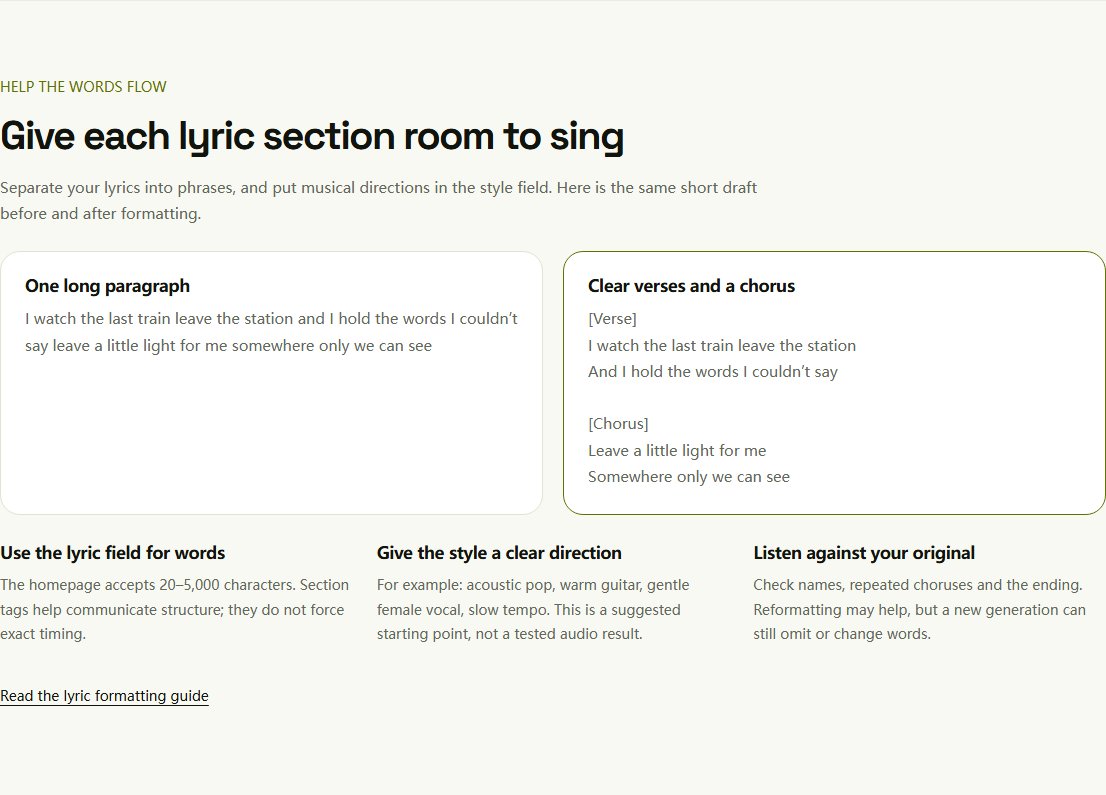
Use section labels and one phrase per line. Keep instructions about sound in the style field rather than burying them inside the words to be sung.
[Verse]
I kept your letter by the door
The rain came softly through the night

[Chorus]
Leave a little light for me
I will find my way back home
If the chorus should return, place its actual text at that point in the draft. Labels are guidance, not a score: they cannot force a fixed melody or exact section timing. The homepage currently accepts 20–5,000 characters; filling that allowance does not guarantee the whole text fits a song.
Step 3: Change one thing per attempt
Try the smallest change related to the problem: split one long phrase, remove a contradictory instruction or make a repeated section explicit. For a dense verse, read it aloud at the pace you imagine. If you must rush to finish it, a slower style alone may not leave room for every syllable.
To revise crowded lyric lines, use the writing guide's checks for meaning, natural stress and breathing room before submitting the draft again.
For difficult names, verify the intended pronunciation yourself. You can experiment with phonetic spelling in a separate copy of the submitted lyric, but it changes the input and may create new problems. Never assume an on-screen pronunciation note can enforce an exact performance.
Step 4: Decide whether another generation is worth it
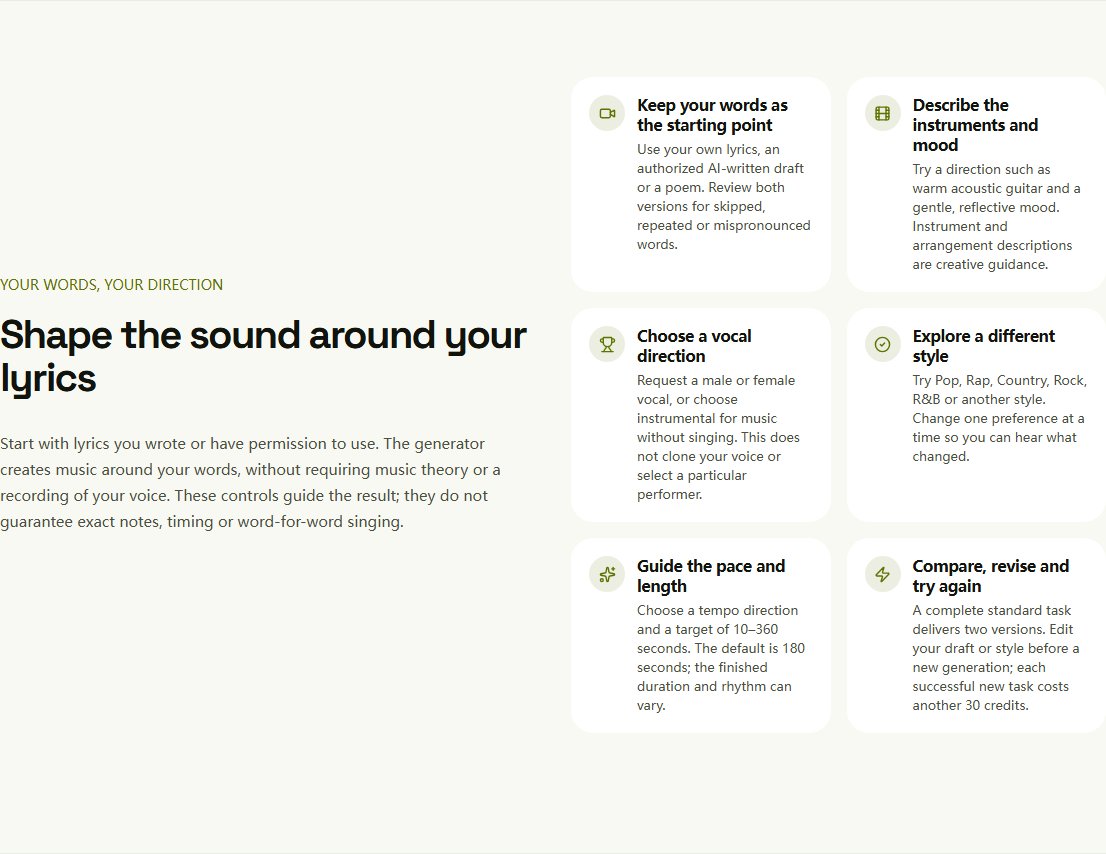
On Lyrics to Song AI, a complete standard task saves two different versions for 30 credits. Zero or one deliverable version is not charged; reserved credits can take time to release. A complete song with a performance you dislike is not automatically a technical failure. A successful new attempt costs another 30 credits. Review the pricing rules before repeatedly regenerating.
Changing the lyric draft does not modify an existing recording. Another attempt may also change the melody, arrangement and voice. If you need the same performance with one exact word replaced, this generator is not a precise audio editor. A recording or editing workflow with direct vocal control may be more appropriate.
Before another attempt, evaluate whether the performance fits your lyrics and set a budget for any further comparison. Switching tools does not guarantee that a missed line will be fixed.
A short check before you keep the song
- Are all essential lines present, including the ending?
- Are names, numbers and meaningful words pronounced acceptably?
- Does repetition support the song rather than change its meaning?
- Is the version suitable for your intended use under its license?
For a poem, follow the poem-to-song walkthrough. When your revision is ready, return to the lyric input.
How Do I Make AI Sing My Own Lyrics?
Learn how to make AI sing your own lyrics. Paste your lyrics, choose a music and vocal style, and turn your words into a complete AI-generated song.
How to Turn a Poem Into a Song With AI
Arrange an original poem into singable phrases, choose a musical direction and review the result. A practical walkthrough that keeps your meaning in focus.
On this page